.webp)
Retrofitting access in an existing multifamily property is rarely as simple as replacing the lock on each apartment door. A community may include standard deadbolts, mortise locks, interconnected hardware, controlled entrances, elevators, garages, amenities, package rooms, and visitor call points. Those systems may have been installed at different times and managed through separate credentials, vendors, and software.
A well-planned multifamily access control retrofit can preserve infrastructure that still works while modernizing how residents, staff, vendors, and visitors move through the property. The goal is to reduce operational friction without forcing unnecessary replacements or leaving teams with another disconnected system to manage.
Parks Associates reports that smart building solutions deliver a 20% average increase in operating efficiency across the properties it studied. That figure reflects connected building deployments broadly, rather than access control retrofits alone, but it points to why owners and operators increasingly evaluate building technology through the lens of labor, cost, and long-term scalability.
.webp)
These six tips can help property teams make smarter retrofit decisions from the first site assessment through portfolio expansion.
What Is a Multifamily Access Control Retrofit?
A multifamily access control retrofit upgrades an existing property’s unit doors, shared entrances, credentials, and management software while preserving usable doors, frames, wiring, and infrastructure where practical. It can modernize access across apartments, amenities, elevators, garages, visitor entry, and staff workflows without requiring a ground-up rebuild.
An apartment access control retrofit may be narrow, such as replacing mechanical locks at unit doors, or property-wide. The strongest plans account for every place people need access, even when installation happens in phases.
Tip 1: Assess Access Across the Entire Property
Start by mapping the complete access journey, including the apartment door and every shared point residents, staff, vendors, and visitors use.
The scope should account for residential units, main and secondary entrances, amenities, elevators, garages, gates, package rooms, service areas, and visitor or delivery entry. Owners and operators do not need to conduct the technical door audit themselves. Their responsibility is to make sure the project team evaluates the full property before recommending hardware.
A professional site survey can then confirm the details that affect installation, including door and frame condition, existing lock type, fire-rated openings, egress requirements, power, wiring, network availability, and infrastructure that may be reused. Even within a single property, door thickness, preparation, alignment, and hardware configurations can vary enough to affect installation.
This broader assessment prevents a common retrofit problem: modern unit locks paired with legacy systems everywhere else. That may solve one workflow while leaving residents with multiple credentials and staff switching between separate portals.
The key question is simple: will the retrofit improve access across the property, or only at a few doors?
Tip 2: Match the Hardware to Each Opening
Most existing multifamily properties contain more than one door and lock configuration. Standard deadbolts, mortise locks, interconnected hardware, electric strikes, magnetic locks, and visitor-entry systems solve different physical requirements.
A retrofit platform should accommodate those differences without creating a different management experience for each opening.
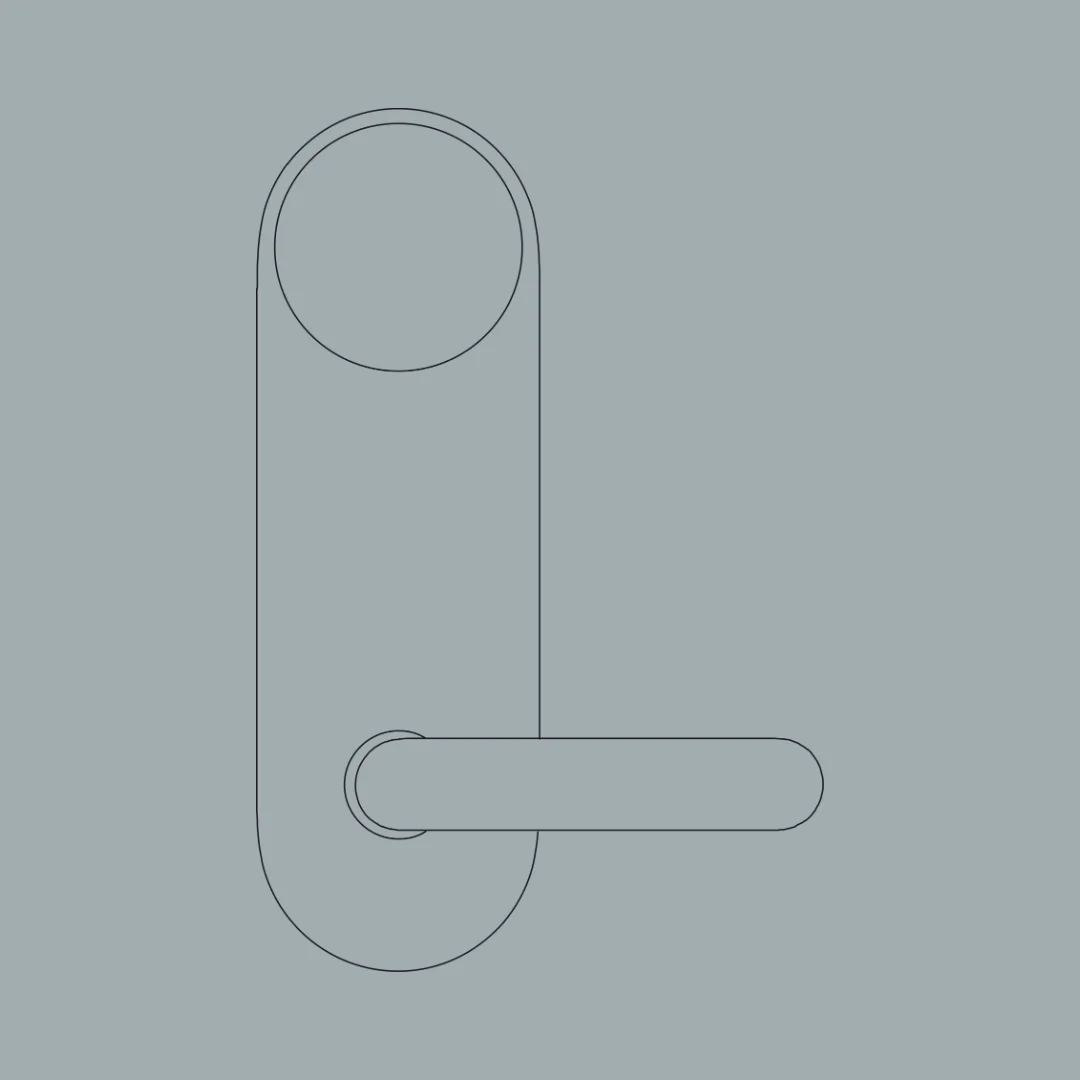
DOOR’s residential portfolio covers standard deadbolts, standardized mortise applications, varied existing mortise cartridges, and applicable interconnected configurations.
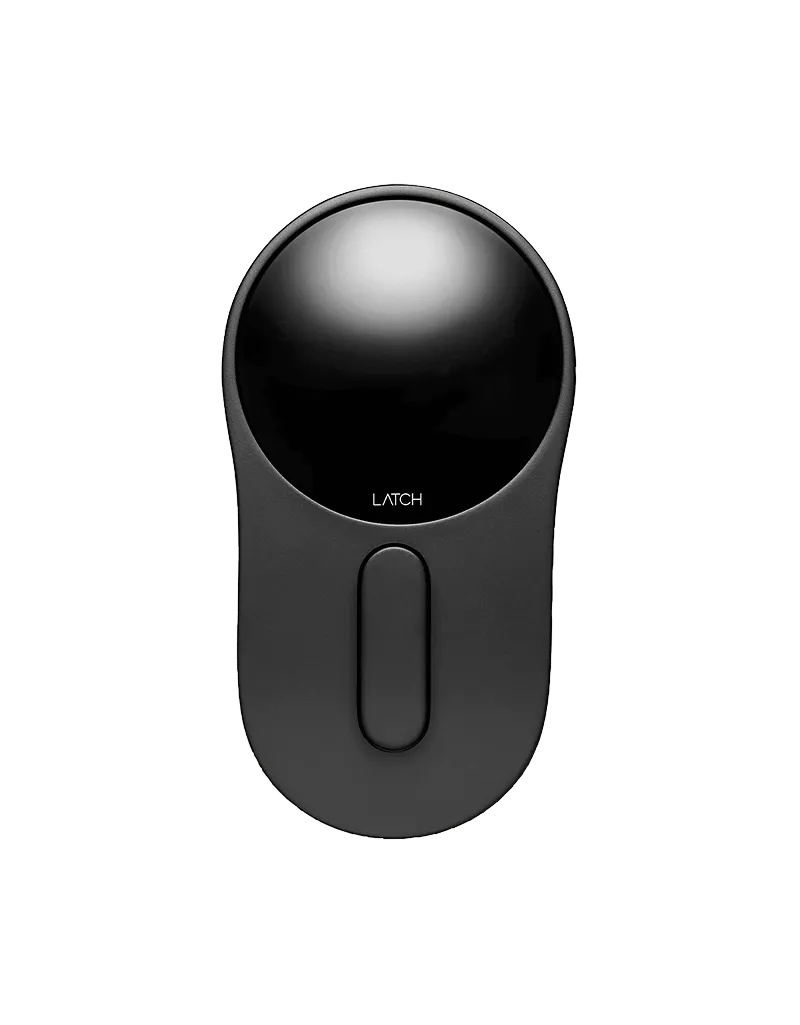
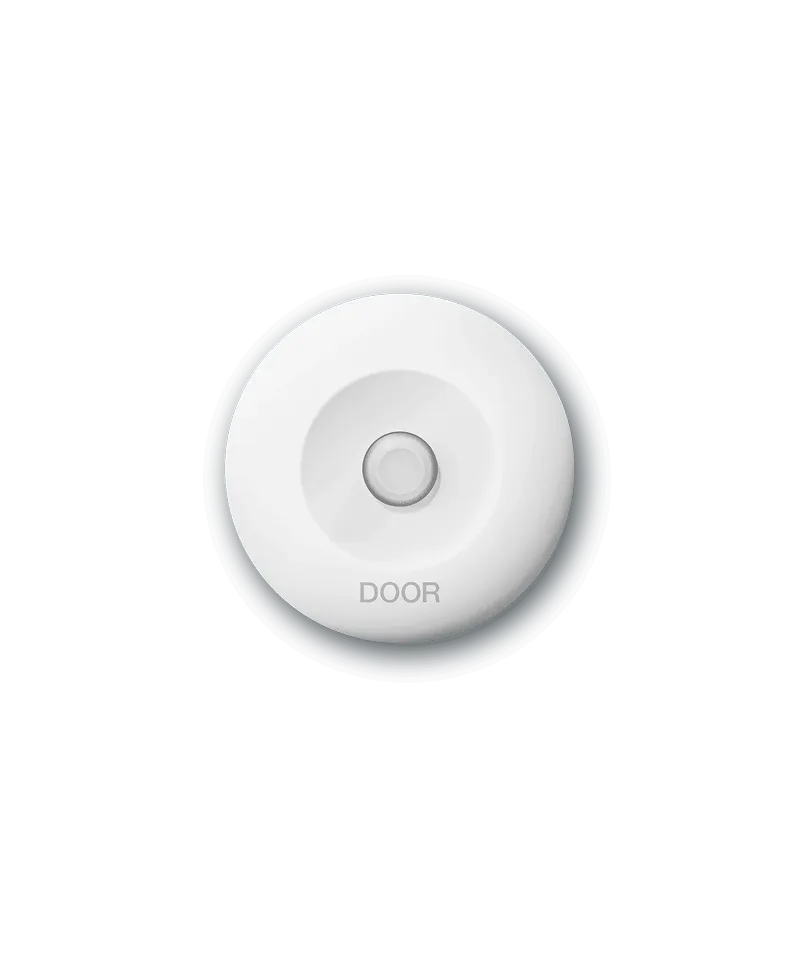
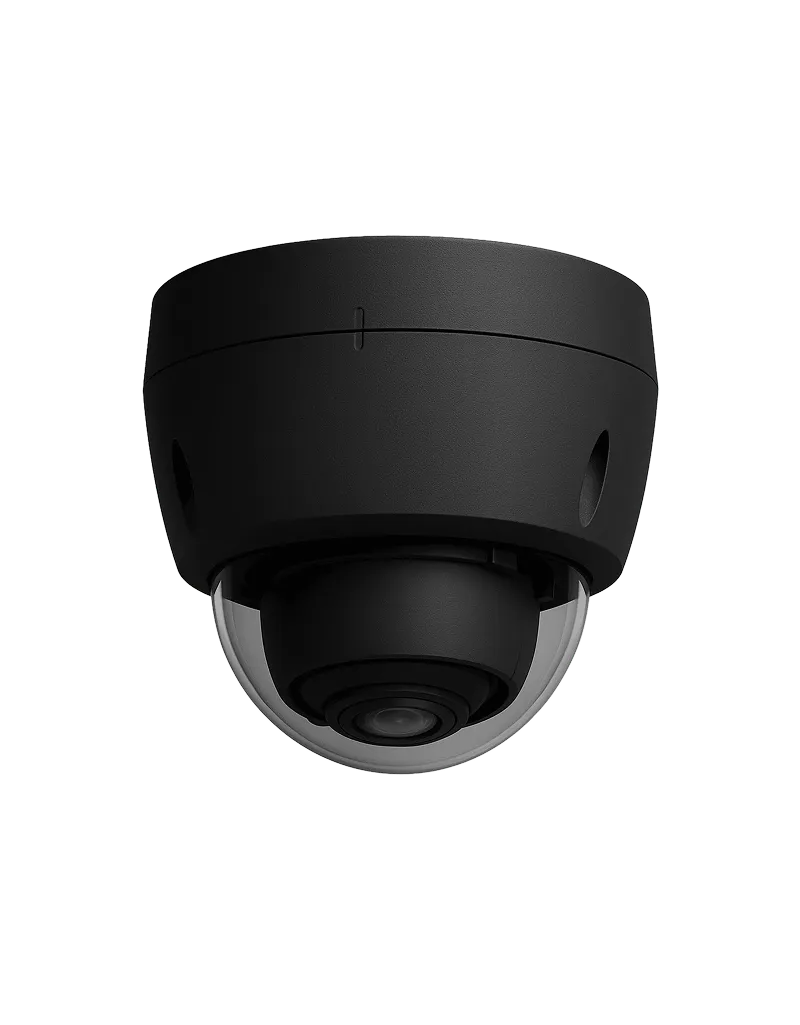
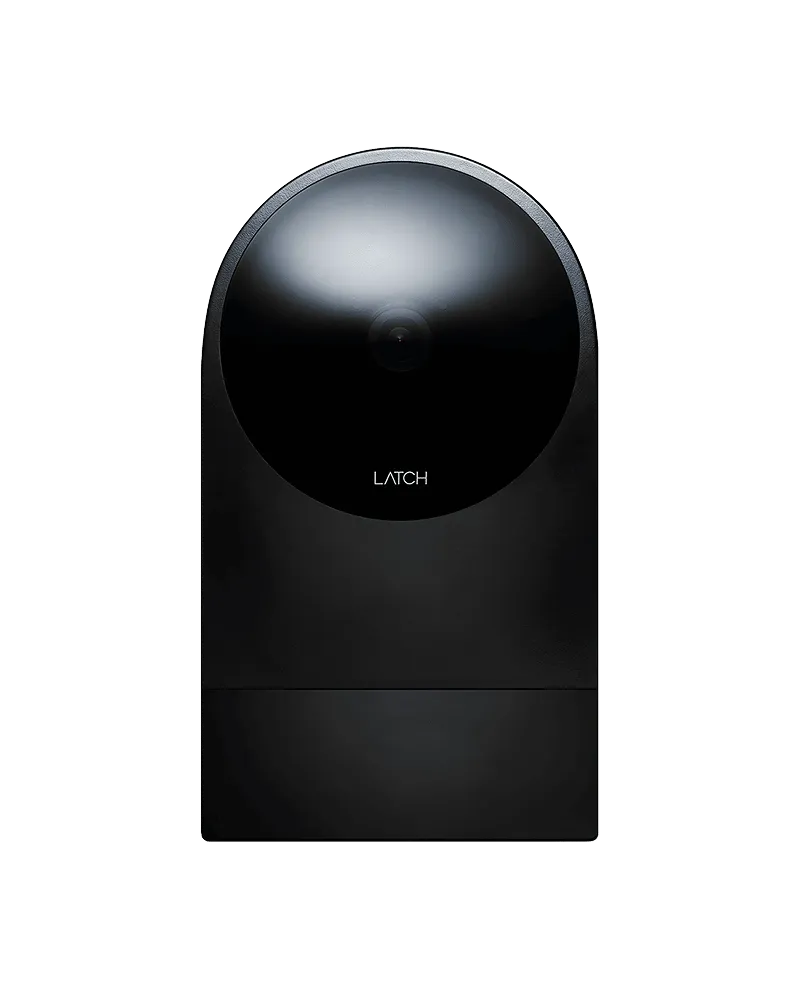
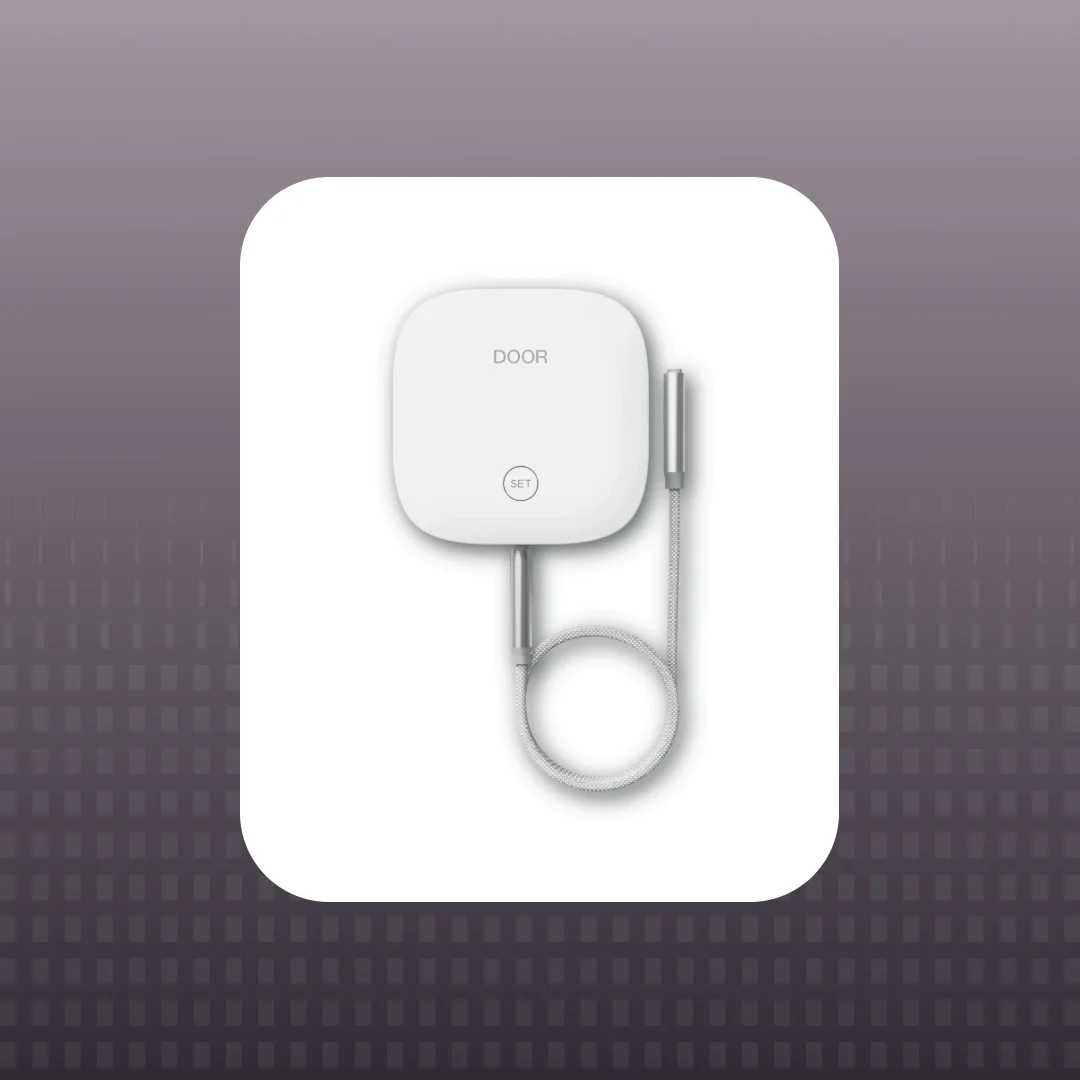
For shared and visitor access, the R2 supports entrances, amenities, elevators, and garages; the Intercom and Camera support visitor calling and visual verification; and Link can extend QR-based visitor entry to secondary entrances without requiring power or wiring.
DOOR’s residential hardware is offline-first and battery-powered. The R2 can also operate offline, with Ethernet or Wi-Fi connectivity supporting updates and current activity data. The Intercom supports Ethernet, Wi-Fi, and cellular connectivity, while Link adds a virtual directory without requiring power or wiring.
This range allows the project team to select hardware for each physical condition while maintaining a more consistent credential and management experience across the property.
Final product selection should still follow a site-level review. Older properties can contain different door preparations from one building or unit to the next, even when the doors appear similar.

Tip 3: Plan for Code, Connectivity, and Reliable Daily Use
A successful retrofit needs to work during ordinary operations, network interruptions, battery issues, and emergencies.
Start with life safety and accessibility. Applicable egress doors generally must be readily openable from the egress side without a key, special knowledge, or unusual effort. Accessible door hardware must support one-handed use without tight grasping, pinching, or twisting. Fire-rated openings should be identified before existing hardware is altered because modifications can affect the listed assembly and may require qualified review.
Requirements vary by jurisdiction and opening type. Owners should involve the appropriate architect, hardware consultant, installer, fire-door professional, and authority having jurisdiction rather than relying on a general product description.
Connectivity should be planned by use case. Battery-powered, offline-first locks can keep unit access functioning when building power or internet is unavailable. Connected readers may be better suited to entrances, elevators, garages, and shared spaces where teams need remote updates and current activity data. Residents and staff should also have appropriate alternatives to a phone, such as a Doorcode, keycard, wearable, or physical key where the hardware supports it.
Prioritize dependable access and clear operational purpose over an oversized feature list.
Tip 4: Compare Five-Year Cost, Not Just Price per Lock
Upfront hardware pricing is only one part of a multifamily access control retrofit.
A useful total cost comparison should include hardware, installation, door and frame repairs, electrical or network work, software, subscriptions, credentials, batteries, support, integrations, training, and future expansion. It should also account for the labor required to administer the system after installation.
Compare those costs with the recurring work the retrofit may reduce. That can include mechanical rekeying, locksmith visits, after-hours lockouts, physical credential replacement, manual move-in and move-out updates, vendor key coordination, and staff travel between properties. Mechanical key workflows create recurring replacement, coordination, and administrative costs that digital access can help reduce.
A lower-priced system can become expensive when it requires more portals, site visits, or manual credential management. The same applies to a solution that works for unit doors but requires separate vendors for entrances, visitor access, elevators, or garages.
Avoid a universal cost-per-door or payback estimate. Existing conditions, labor markets, property size, infrastructure, and project scope vary too widely. Build the model around the property’s actual costs and document the assumptions so performance can be measured after installation.
Tip 5: Avoid Creating Another Fragmented System
The most important retrofit decision may be how the system works after the hardware is installed.
Property teams already manage leasing systems, maintenance platforms, resident communications, intercoms, access control, and vendor relationships. Adding an isolated portal can shift work instead of reducing it.
Before selecting a platform, ask:
- Can residents and staff use one credential across unit doors and shared spaces?
- Can teams manage doors, schedules, credentials, and visitor entry through one interface?
- Can access changes connect to move-ins, move-outs, and other property management workflows?
- Can the same system expand to additional buildings without changing the operating process?
DOOR follows this unified model. DOOR OS manages digital access, entry points, schedules, intercom activity, and property-wide visibility. Integrations with Yardi, RealPage, Entrata, and AppFolio can connect access changes to lease data and established property workflows. Residents and staff can use a consistent credential across supported unit doors, entrances, elevators, and amenity spaces.

This is the operating standard to evaluate across providers. Access creates more value when identity, permissions, and property data work together, reducing duplicate entry and creating a foundation for automated workflows.
Tip 6: Pilot and Phase the Retrofit With the End State in Mind
A property or portfolio can modernize access in phases to reduce disruption, align installation with capital plans, and validate the operating model.
Begin with a representative pilot rather than only the newest building or easiest doors. Include a realistic mix of unit locks and shared access points so the team can test installation, credential activation, resident communication, and staff workflows under normal conditions.
Track a focused set of outcomes, such as installation time, credential activation, access-related support requests, lockouts, rekeying volume, staff feedback, and resident communication issues. Use those findings to improve the next building or phase.
Phasing works best when the end-state architecture is selected first. Each phase should use compatible credentials, software, integrations, and operating standards. Otherwise, the project can become a collection of isolated systems that eventually requires another retrofit.
DOOR supports partial rollouts and phased deployments, allowing properties to begin with one building or a defined group of openings and expand within the same broader access environment.
Frequently Asked Questions
What is a multifamily access control retrofit?
A multifamily access control retrofit upgrades access hardware, credentials, and management software in an existing apartment property. It may cover unit doors, entrances, amenities, elevators, garages, visitor entry, and staff workflows while retaining usable infrastructure where practical.
Can access control be added without replacing every apartment door?
In many properties, yes. A professional site survey can determine which doors, frames, lock preparations, wiring, and electric locking components can remain and which need repair or replacement. Compatibility should be confirmed for each opening.
Do apartment smart locks require Wi-Fi or rewiring?
Not always. Many residential smart locks are battery-powered and can validate credentials locally without continuous Wi-Fi. Shared entrances, elevators, gates, and remote-management features may require power or network connectivity depending on the system design.
How much does a multifamily access control retrofit cost?
Cost depends on the number and condition of openings, hardware types, installation labor, electrical and network work, software, credentials, integrations, and support. Owners should compare five-year total cost and expected operational impact rather than relying only on a price-per-lock estimate.
Can an access control retrofit be completed in phases?
Yes. A property can phase the work by building, floor, opening type, or unit-turn schedule. The long-term credential, software, and integration architecture should be established before the first phase so every addition remains compatible.
Build the Retrofit Around Long-Term Operations
A smarter multifamily access control retrofit accounts for the full property, matches hardware to real door conditions, and measures value beyond the purchase price. It also gives staff and residents a consistent access experience instead of adding more credentials, vendors, and software.
For owners and operators, the best outcome is a system that works for the property today and remains practical as the portfolio grows. DOOR brings residential locks, shared-space access, visitor entry, and centralized management into one retrofit-ready environment, giving properties the flexibility to modernize in phases while maintaining a clear long-term operating strategy.
.webp)


%201.webp)


%201.webp)
.webp)