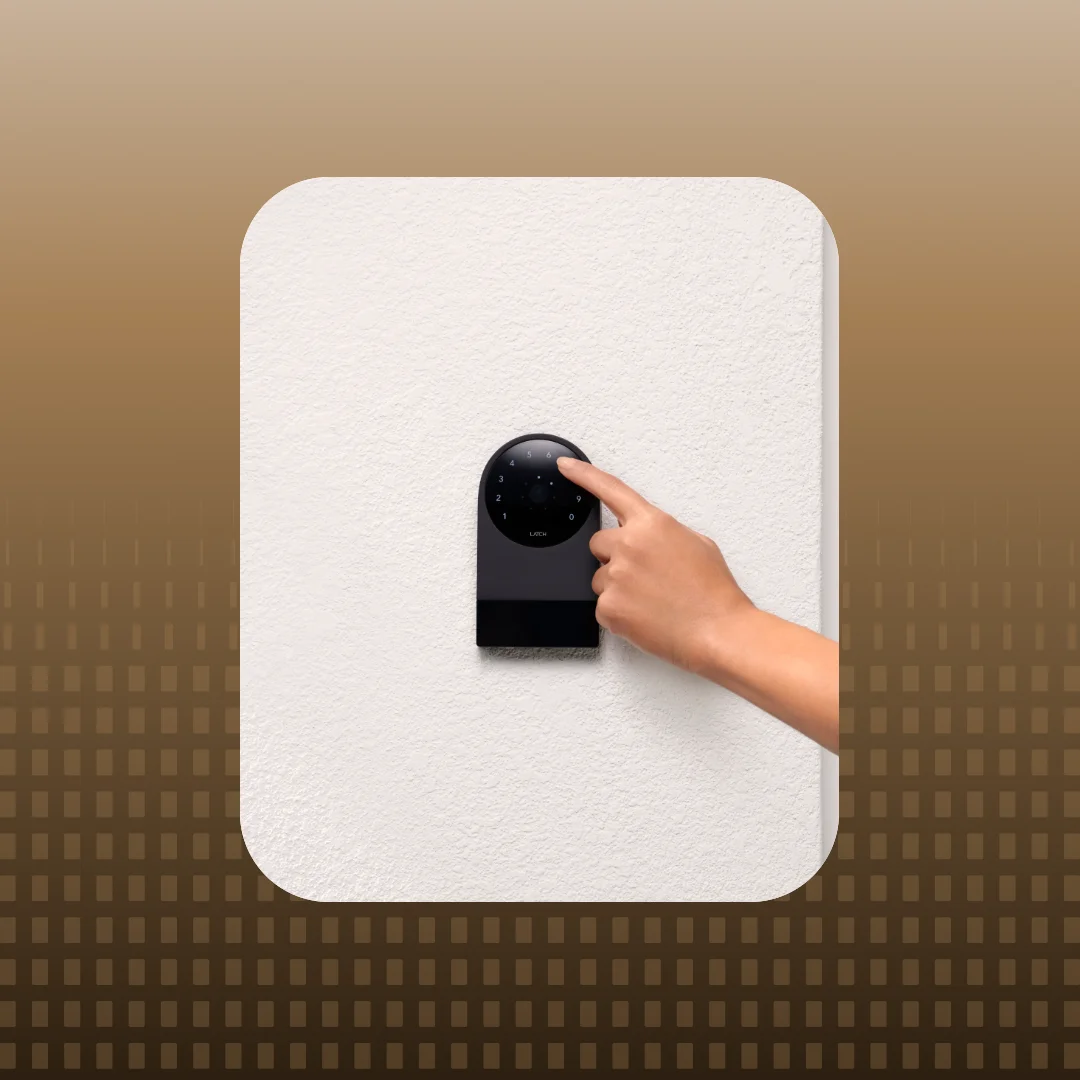
Keyless entry has become an increasingly important part of the modern apartment experience. From entering the building to accessing amenities and unlocking individual residences, residents expect convenient ways to move throughout their property.
For multifamily operators, keyless entry also creates opportunities to simplify access management, reduce routine service requests, and deliver a more connected resident experience.
DOOR smart locks support several ways to unlock doors, including smartphones, Apple Watches, door codes, and more. This guide explains how apartment keyless entry works, how to use each method with DOOR, and what these capabilities mean for property teams.
What Is Keyless Entry for Apartments?
Keyless entry for apartments allows residents to unlock doors using digital credentials, such as a smartphone, smartwatch, or numerical access code. Instead of relying on a physical key, residents use compatible smart locks and access control technology, while property teams manage who can access residential units, building entrances, and shared spaces.
In multifamily properties, a keyless entry system typically combines three elements: electronic locking hardware, resident credentials, and access management software.
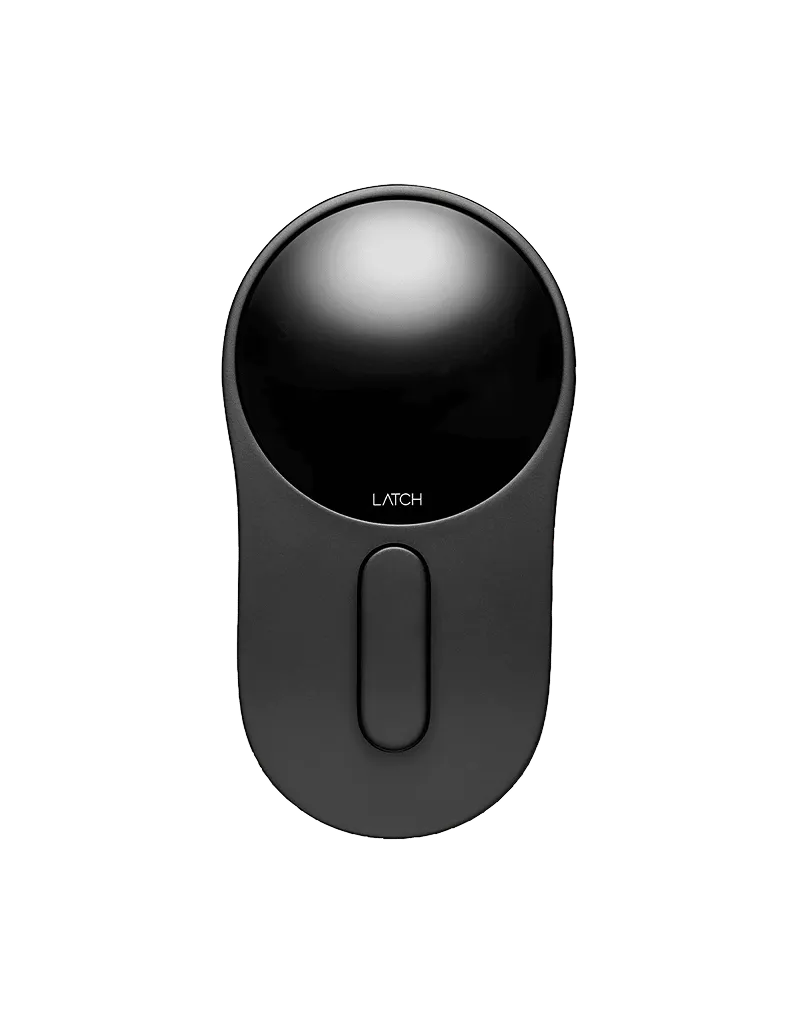
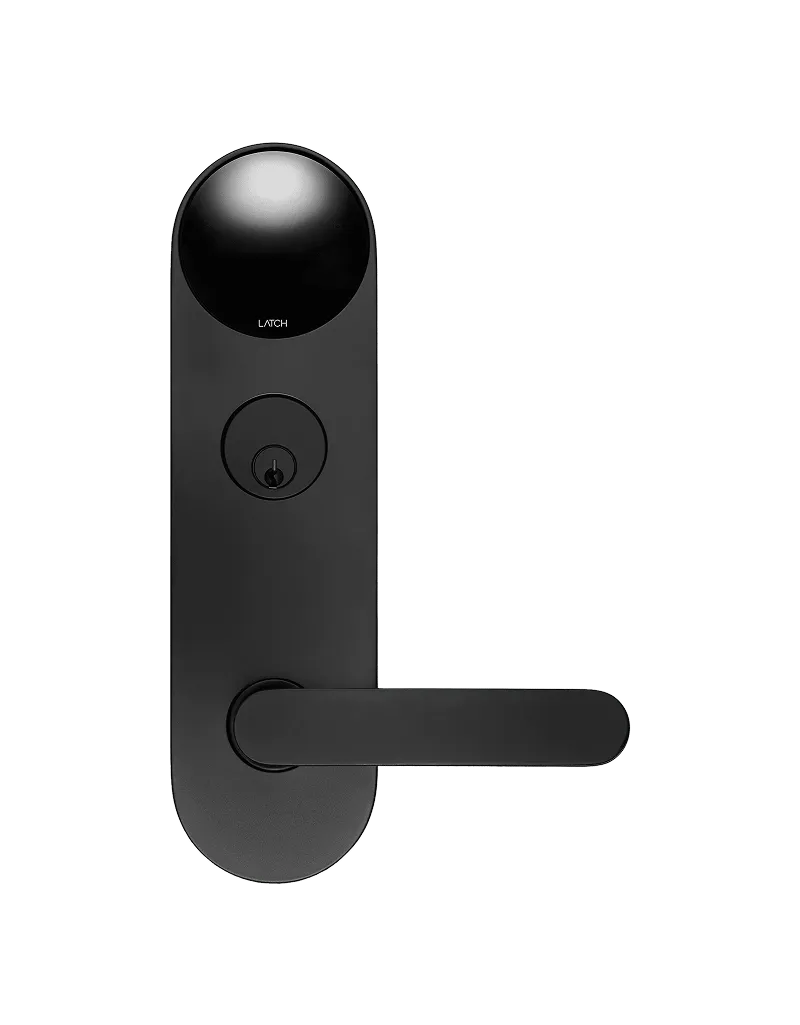
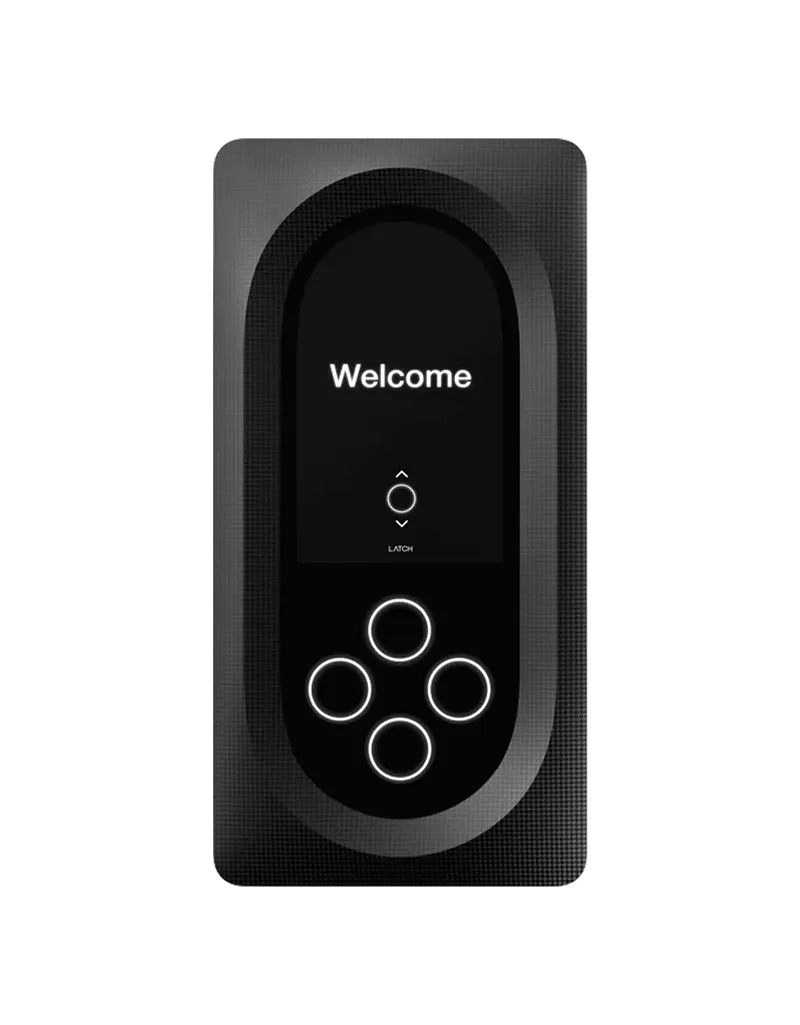
DOOR brings these elements together through its connected platform. DOOR smart locks and access control devices work with the DOOR App and DOOR OS to provide property-wide access management, from individual apartments to common-area entrances.

What Are the Different Ways to Unlock a DOOR Smart Lock?
One of the advantages of apartment keyless entry is flexibility. Residents can use different unlocking methods depending on their device, preferences, and the door they're accessing.
DOOR supports several ways to unlock compatible residential and building doors:
Available methods depend on the lock model, device compatibility, and property settings. The DOOR App provides a central place for residents to view their assigned doors and available access options.
How to Unlock an Apartment Door With Your Phone
Smartphone unlocking allows residents to access supported doors using the DOOR App, available on iOS and Android.
With Bluetooth-enabled access, the phone communicates with a nearby DOOR device to verify the resident's credentials and unlock the door.
DOOR offers two primary ways to unlock with a phone.
Hold Near to Unlock
Hold Near to Unlock allows residents to unlock a compatible door by holding their smartphone near the lock.
- Open the DOOR App and ensure Bluetooth is enabled.
- Approach the door you want to unlock.
- Hold your phone near the lock's lens.
- The DOOR App identifies the nearby door and initiates the unlock.
This method is particularly useful when residents want to enter without searching for a specific door in the app.
Tap to Unlock
Residents can also select and unlock a door directly from the DOOR App.
- Open the DOOR App.
- Navigate to Access.
- Find the door you want to unlock.
- Tap Unlock next to the door's name.
Residents only see doors assigned to their account, helping ensure their credentials work for the spaces they're authorized to access.
Some DOOR-enabled properties also support remote unlocking through compatible hardware and configurations.
For additional setup information, visit How do I unlock my door with DOOR?.
How to Unlock a Door With an Apple Watch
Can you unlock an apartment door with an Apple Watch? Yes. DOOR supports Apple Watch access through its compatible smartwatch app, allowing residents to unlock supported doors without taking out their phones.
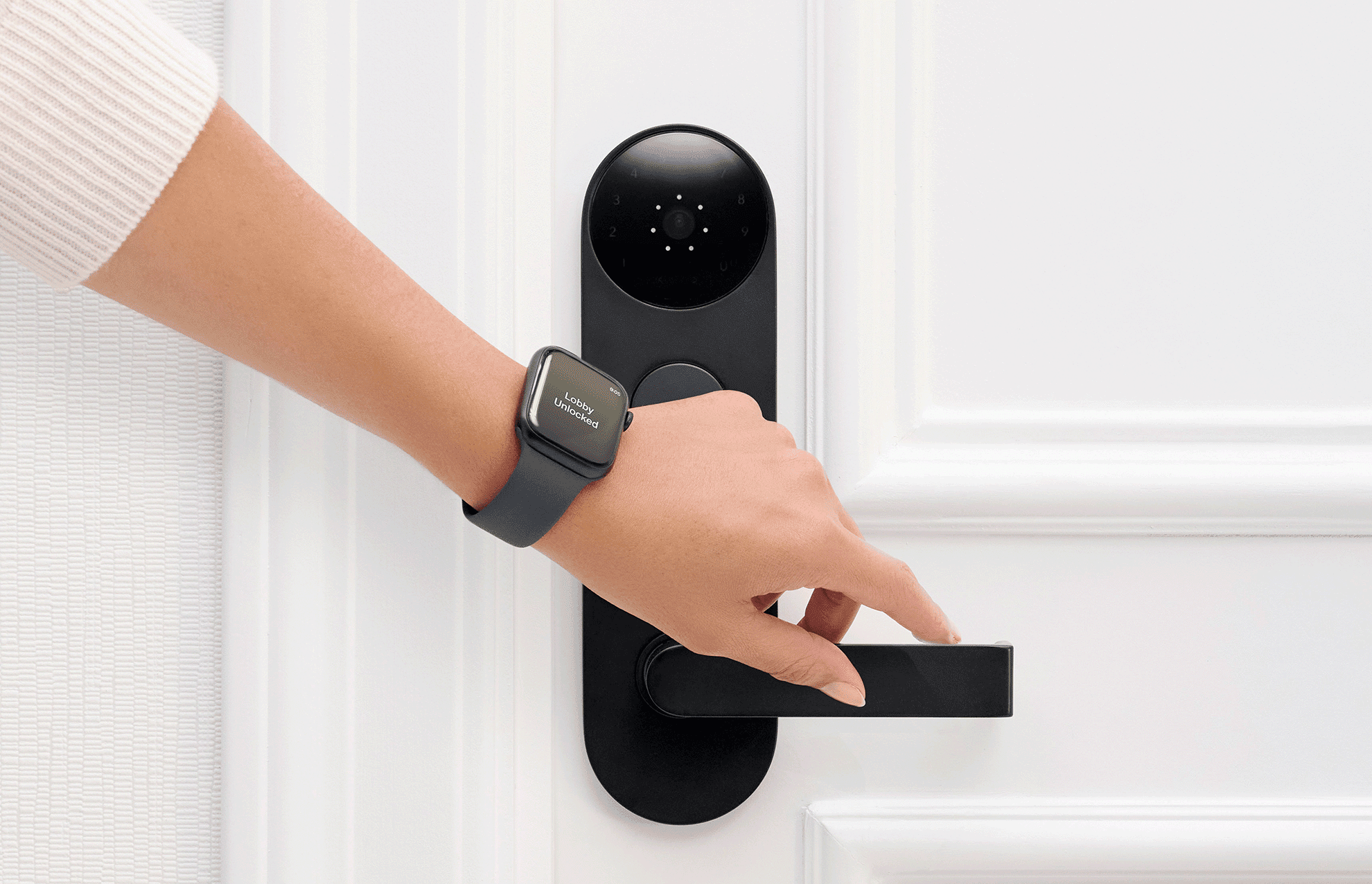
For residents returning from a workout, carrying groceries, or entering a building, smartwatch access provides another convenient way to use their digital credentials.
To get started:
- Install the DOOR App on your iPhone and sign in to your account.
- Make sure the DOOR app for Apple Watch is available on your paired watch.
- Open DOOR on your Apple Watch.
- Select the supported door you want to unlock and follow the app's prompts.
Unlocking availability depends on device compatibility and the access permissions assigned to the resident.
How to Unlock a Door With an Apartment Door Code
An apartment door code is a numerical credential that residents enter directly on a supported smart lock.
With DOOR, residents receive unique codes for their assigned doors. Codes provide another way to enter a building or residence without needing to use a smartphone.
How to Find and Use Your DOOR Door Code
- Open the DOOR App and navigate to Access.
- Select Doorcodes to view your available codes.
- At the lock, tap the lens to activate the illuminated keypad.
- Enter your assigned code.
- Once the code is accepted, the lock will unlock.
Door codes are particularly valuable as a backup access method. If a resident's phone is lost, unavailable, or out of battery, an active door code provides another way to enter without using the app.
Can You Use a 4-Digit Apartment Door Code?
Yes. DOOR supports shorter residential door codes on compatible hardware, giving property teams greater flexibility in how residents access their homes.
While DOOR's standard residential door code contains seven digits, authorized property managers can configure supported locks to use codes as short as four digits.
When a property enables shorter codes, residents can opt in through the DOOR App by resetting their residential door code and syncing the lock.
Shorter codes can make everyday access more convenient, particularly for residents who regularly use numerical credentials. Because code length also affects the number of possible combinations, property teams should evaluate the appropriate balance between convenience and security.
Learn more about configuring door code length and sharing rules.
Other Ways to Unlock DOOR Smart Locks: Siri, Widgets, and Android NFC
Beyond traditional mobile app unlocking, DOOR supports additional features that make accessing compatible doors even more convenient.
How to Unlock a Door With Siri
DOOR supports iOS Shortcuts, allowing iPhone users to unlock compatible doors using Siri voice commands.

Residents can ask Siri to unlock a door with DOOR, then identify the door they want to access.
To configure shortcuts, open the Shortcuts app on your iPhone, select DOOR, and choose the Unlock a door action.
For residential doors, Siri unlocking is disabled by default. Residents can enable it through DOOR App → Access → Settings → Siri & Shortcuts, where supported.
Additional shortcut options include Back Tap and personalized actions that reduce the number of steps needed to unlock.
See Using iOS Shortcuts for the DOOR App.
How to Use iPhone Widgets for Door Access
DOOR's iPhone widgets provide quick access to frequently used doors.
The Home Screen Access widget displays selected doors, allowing residents to initiate an unlock with a tap. The Lock Screen widget opens the DOOR App after device authentication, where Hold Near to Unlock can take over.
For residents who regularly access the same building entrance, parking area, or residential door, widgets help streamline everyday entry.
Learn how to configure DOOR's iOS Access widgets.
How to Unlock a Door With Android NFC
Near Field Communication (NFC) allows compatible Android smartphones to communicate with a supported smart lock at close range.
With DOOR, Android users can enable NFC unlocking in the DOOR App and hold their phone near the lock's lens to initiate access without manually selecting a door.
On supported devices, NFC Background Unlock also allows access without opening the DOOR App or unlocking the phone screen.
DOOR's NFC unlocking functionality is available on compatible Android devices and supported locks. iPhone users can use Bluetooth unlocking or other supported methods.
See How do I use NFC unlock (Android)?.
How to Share Apartment Access With Guests
Keyless entry can also simplify how residents provide access to guests, family members, pet sitters, and service providers.
Rather than coordinating access in person, residents in DOOR-enabled communities can share digital credentials through the DOOR App, subject to their property's access-sharing settings.
DOOR offers two guest access options:
- DOOR App access: Invite a guest to use the app and establish when their access begins and ends.
- Daily door codes: Send a temporary numerical code for approved doors, with access expiring at the designated time.
To invite a guest, open the DOOR App, navigate to Access → Guests, and select Add Guest. From there, choose the access method, authorized doors, and applicable timing.
Residents can manage and revoke guest access, while property teams maintain control over which credentials and sharing capabilities are available.
These options can reduce the coordination required for routine visits while helping ensure access remains limited to authorized individuals.
For step-by-step instructions, see How do I invite a guest?.
Benefits of Keyless Entry for Multifamily Properties
For multifamily operators, keyless entry delivers value beyond how residents open their doors. When connected to a centralized access management platform, smart locks can help simplify daily operations, improve access oversight, and support resident satisfaction.
Reduce Routine Access-Related Work
Residents with multiple unlocking options have greater flexibility when their preferred method is unavailable.
For example, an active door code can provide access when a phone is out of battery, potentially reducing lockout-related calls and the need for staff assistance.
Digital guest credentials can also help residents coordinate visits without requiring property teams to facilitate every entry.
Centralize Access Management
Managing access across residential doors, building entrances, and shared spaces can become time-consuming when credentials are handled separately.
With DOOR OS, property teams can manage access permissions through one platform, reducing the need to coordinate credential changes across disconnected systems.
DOOR also integrates with supported property management systems, helping teams align resident access with move-in and move-out workflows.
Support a Better Resident Experience
Residents interact with building access every day. Offering multiple ways to unlock doors allows them to choose the method that best fits their needs, whether that's using a phone, entering a code, or accessing supported doors from a smartwatch.
For operators, these conveniences can contribute to a more seamless living experience while supporting the operational efficiency of the property.
Frequently Asked Questions About Apartment Keyless Entry
Can I unlock my apartment door with my Apple Watch?
Yes. DOOR offers an Apple Watch app that allows residents to unlock supported doors using a compatible smartwatch. Available doors depend on the property's configuration and the resident's access permissions.
What happens if my phone dies and I can't unlock my apartment?
If your apartment supports door code access, you can enter your assigned code directly on the lock without using your phone. Property teams should maintain appropriate backup access methods for residential and main building entrances.
Are 4-digit apartment door codes secure?
Four-digit codes provide 10,000 possible combinations, compared with 10 million for seven-digit codes. The appropriate code length depends on the lock's security controls, property requirements, and desired balance of security and convenience.
How do I change or reset my apartment door code?
For supported DOOR residential locks, open the DOOR App, navigate to Access, select your residential door, and choose Reset Doorcode. You may need to perform a Door Sync to activate the updated code.
Can I use Siri to unlock my apartment door?
Yes. DOOR supports Siri unlocking through iOS Shortcuts on compatible doors. Residential door unlocking requires enabling the relevant setting in the DOOR App.
Does NFC door unlocking work on iPhones?
DOOR's NFC unlocking functionality is available on supported Android devices. iPhone users can unlock compatible DOOR locks using Bluetooth through the DOOR App.
How do I give someone temporary access to my apartment?
Open the DOOR App, navigate to Access → Guests, and select Add Guest. Depending on your property's settings, you can send a time-limited app invitation or a temporary door code.
Flexible Keyless Entry With DOOR
A modern apartment keyless entry system should make everyday access convenient for residents while giving property teams the control they need to manage their buildings.
DOOR connects smart locks, mobile credentials, and centralized access management in one platform, supporting flexible unlocking methods across residential and shared spaces.
Explore how DOOR simplifies access for multifamily properties.